How to scan Disney Lorcana cards and organize a digital binder
Use two Hyperia City cards with the same name to decide what belongs in your binder and which version to look for next.
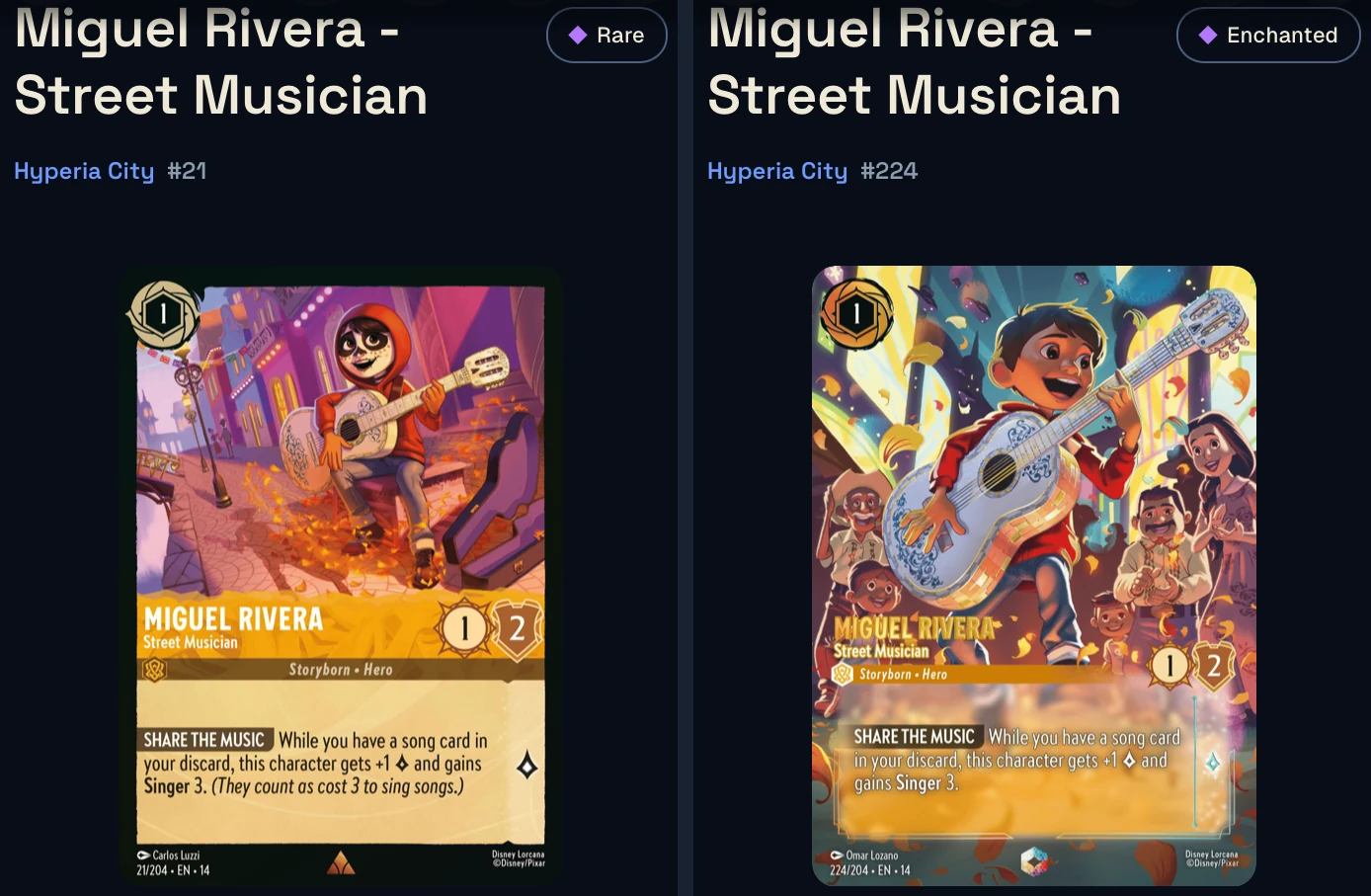
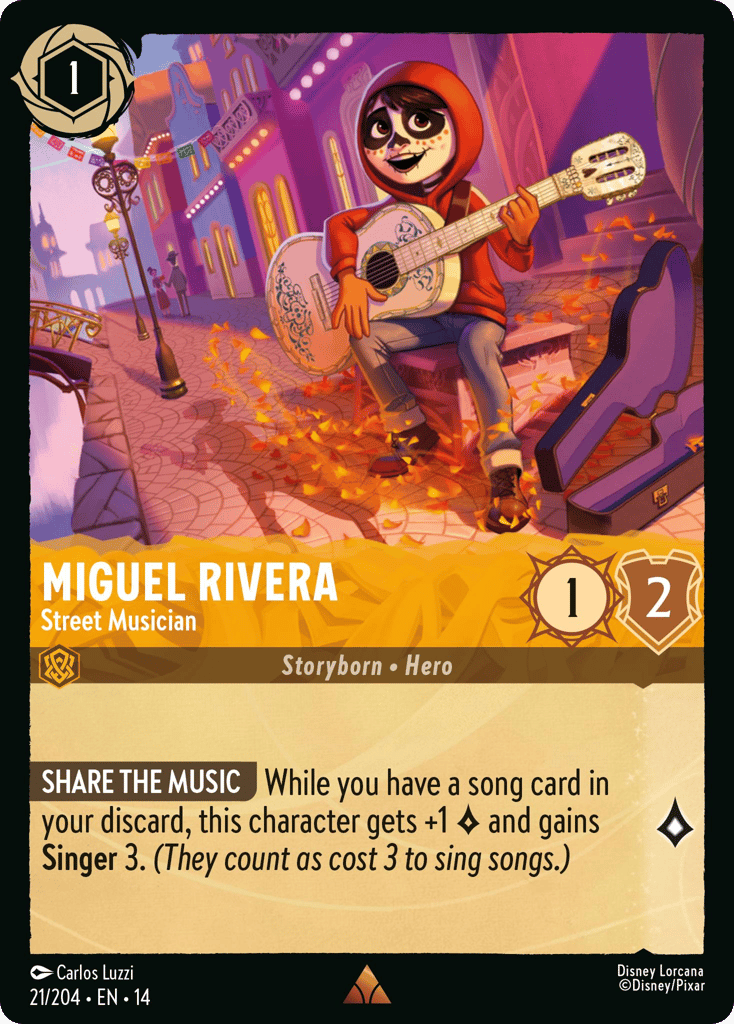
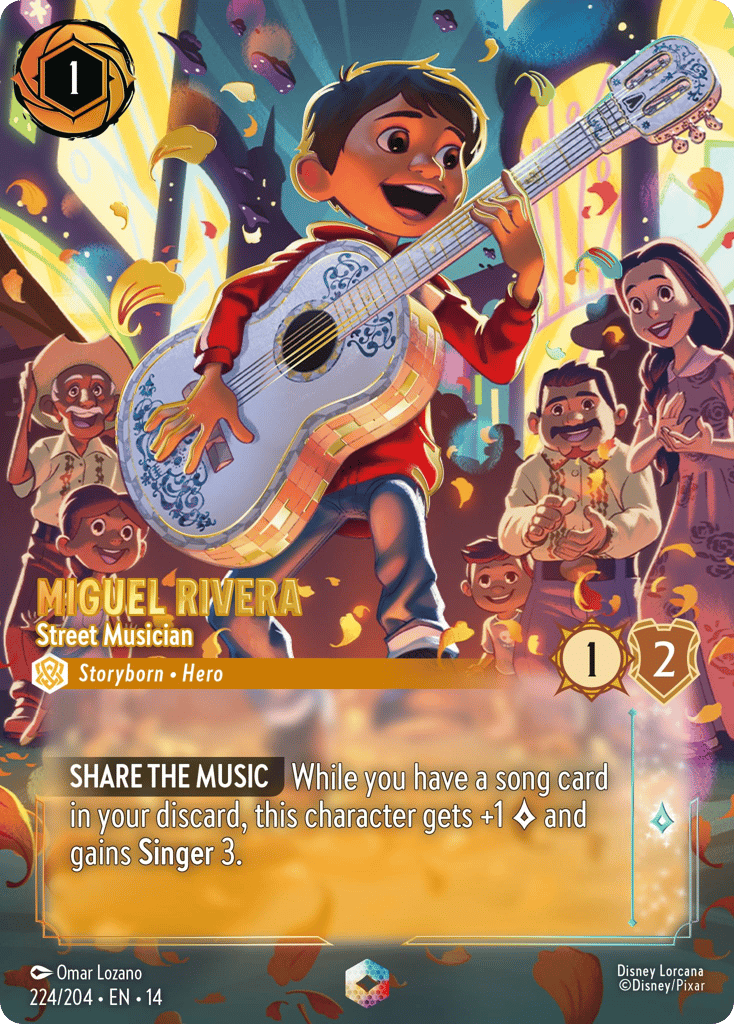
A shiny Miguel Rivera can look like the last card your Hyperia City page needs. Before you fill that pocket, read the number at the bottom of the card. To scan Lorcana cards in Unbinder, choose Lorcana in the mobile scanner and check the number before saving. A cold foil 21 goes under the same number as an ordinary 21. The Enchanted Miguel has its own number, 224.
Scan Lorcana cards and check the finish
Lay one card under soft light and scan it. If a sleeve is catching the light, tilt it until you can see the number and artwork clearly. Compare the suggested card with the copy in your hand. If the suggestion is hard to identify, switch to Search, keep Lorcana selected and look up Miguel Rivera by name.
Open the Hyperia City result for Street Musician, then check the language and finish before entering a quantity. If you have two copies of 21 and only one shines, save one under Normal and the other under Cold Foil. When you look through a trade binder later, you'll know which version you already have.
Tell the cold foil from the Enchanted Miguel
All three copies in this example say _Miguel Rivera – Street Musician_. Hold the card so the collector number is visible. Then compare the illustration to the official Enchanted card image (opens in a new tab). The after-dark artwork is a signature of the Enchanted treatment in Ravensburger's Hyperia City set gallery (opens in a new tab).
| Miguel in your hand | What you see | How to save it |
|---|---|---|
| Hyperia City 21, Rare | 21/204, regular finish | Choose Normal for 21 |
| Hyperia City 21, cold foil Rare | 21/204, same illustration with a foil finish | Choose Cold Foil for 21 |
| Hyperia City 224, Enchanted | 224/204, different illustration | Save the separate card numbered 224 |
From the set
Miguel Rivera in two Hyperia City printings
Miguel Rivera - Street Musician
21 · Rare
Miguel Rivera - Street Musician
224 · Enchanted
Set up your Hyperia City binder
In Sets, open Hyperia City and tap New binder. Decide how you'd arrange a physical page first. If you'd be happy with either finish in the pocket for 21, start with Complete set. If you want the foil beside the regular card, tap Variants, then Choose variants. Select Normal and Cold Foil.
Turn on Put in the cards you already own, pick a layout and create the binder. On November 24, 2026, we tried this in a test account with one copy of each finish for 21. With Normal and Cold Foil selected and Holofoil off, the preview showed 446 slots. In the reopened 3×3 binder, page 5 held the regular Miguel in pocket 41 and the cold foil in pocket 42.
The binder also kept an empty pocket for 224, even with Holofoil off. If you're deciding whether to collect the Enchanted, you can leave that pocket empty. If your free binder slots are already full, use the set's Missing tab to check the numbers you still need. The digital binder guides cover other ways to arrange your pages.
Make a wishlist you can use at the card table
If it's the Enchanted illustration you're after, open 224 and tap the heart. Then open it from your wishlist and check the number. You can own the Rare Miguel and still have the Enchanted on your list.
For a missing cold foil, save 21 and write down “Miguel Rivera, Hyperia City 21, Cold Foil” before you trade. The heart saves the card number. That short note will help you pass up a second regular copy when what you wanted was the shine.
Continue this workflow
How to scan One Piece cards and build a digital binder