How to turn a physical binder into a digital binder
Turn each binder page into a digital record without losing the order and logic of your physical collection.
Turn a physical binder into a digital binder one page at a time. Create the matching set or collection in Unbinder, identify each card by collector number, and preserve the page order while you enter condition and quantity.
Read the digital binder app guide if you are still choosing a tool. If the physical cards also need a new structure, organize them with the Pokemon card sorting guide first.
Quick answer
Create one digital binder with the same purpose as the physical binder, then enter each spread from left to right. Verify the set and collector number before saving, include hidden duplicates, and reconcile the totals after every page.
| Need | Best workflow | Unbinder role |
|---|---|---|
| Fast entry | Scan or quick search | Add cards to a digital binder |
| Organization | Binder, tag, or goal-based grouping | Keep collection structure visible |
| Review | Value and missing-list checks | Decide what needs attention next |
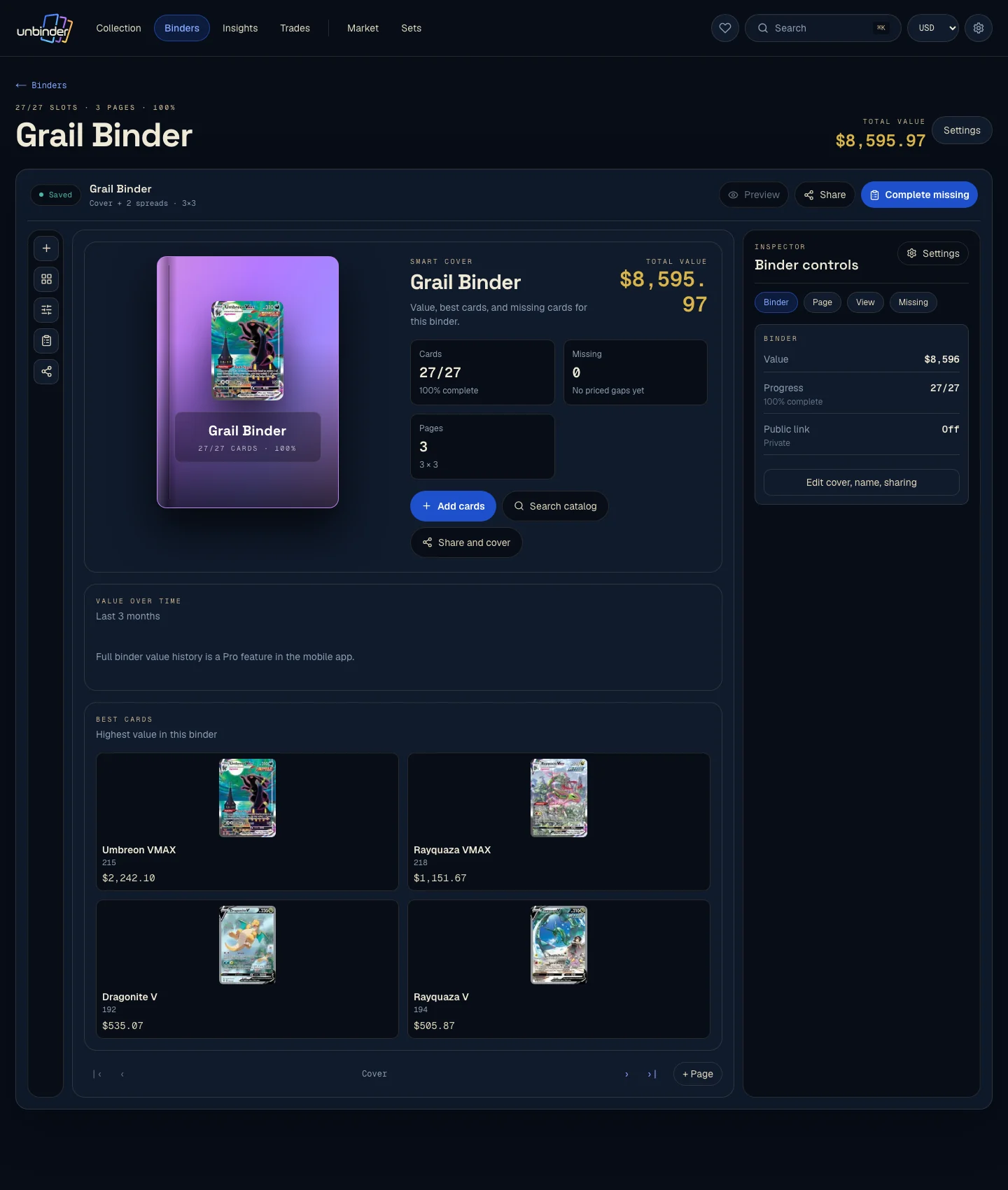
Prepare before entering cards
Choose one binder and decide what its structure means: set number, Pokemon, artist, type, or a personal theme. Photograph each spread as a temporary reference, then work from front to back. Keep a small tray for cards that need closer identification so they do not interrupt the page order.
If the binder follows a set, use the set code and collector number to select the card. Names alone are unreliable because reprints and alternate artworks can share the same title.
For a 151 binder, keep the complete 151 card list beside you so the 42 cards above the printed /165 boundary get their own slots.
Start with the page that will expose your shortcuts
Move an easy page first and you learn nothing. Start with the one that has collisions on it.
| Page to move first | Why it is the honest test |
|---|---|
| A 151 page with Pikachu 025/165 in both finishes | Transfers usually keep the artwork and quietly drop the finish |
| Any page holding Mew ex 205/165 | Numbers above the printed total end up filed under the base set |
| A page with two copies of the same common | Duplicates get merged into a count you cannot undo later |
Work from the printed sequence rather than from the app's suggestion: the official Obsidian Flames card list (opens in a new tab) and 151 card list (opens in a new tab) are what your digital page has to agree with when you check it a year from now.
Card showcase
The card that shows whether the transfer kept its detail
Check the set and collector number, compare prices from each marketplace, and decide whether the card belongs on your wishlist or in your binder. One active listing is never the whole market.
Some marketplace links may earn us a commission at no extra cost to you. Compare condition, language, shipping, taxes, and sold results before buying.
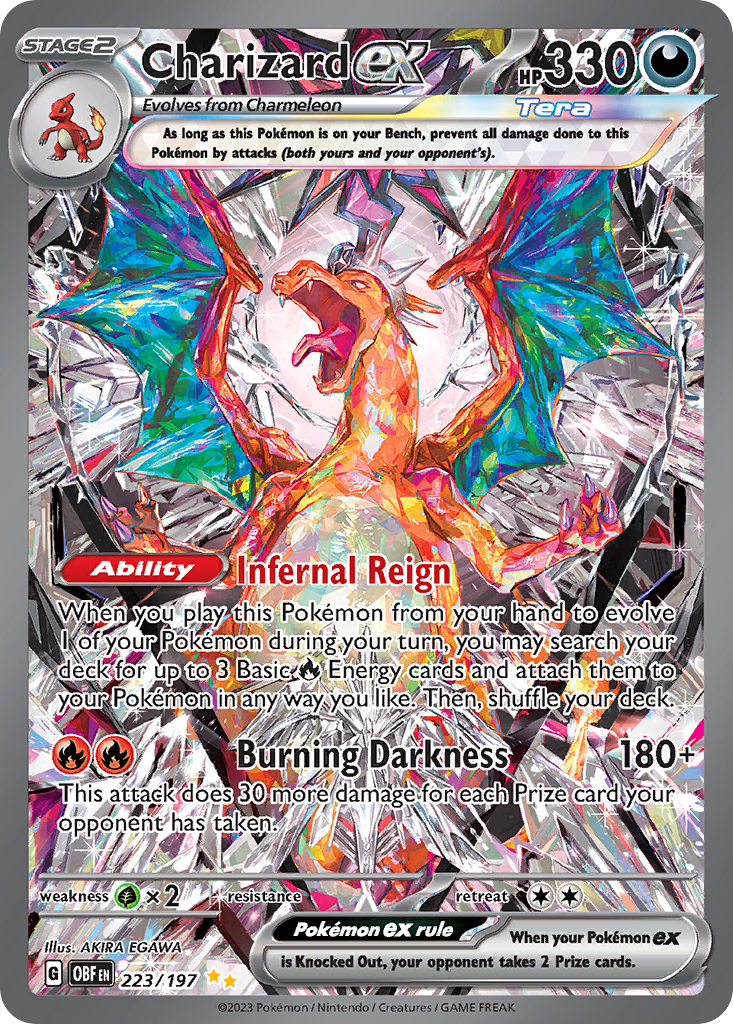
Charizard ex
Special Illustration Rare · EN
Use as a cross-source benchmark: movement matters more when TCGplayer, Cardmarket, and eBay agree.
Marketplace price check
Checking saved data



Next step: Confirm the card version and condition before comparing prices.
Catalog source: Pokemon TCG API card record - Reviewed 2026-07-09
Enter enough detail to trust the result
Record quantity, language, finish, and condition while the card is in front of you. Add purchase details only when you know them; an honest blank is better than an invented date or price. For duplicates behind the visible card, count every copy instead of treating the pocket as one card.
After each spread, compare the digital count with the physical pockets. This small reconciliation catches skipped rows and accidental double entries before the mistake spreads through the rest of the binder.
Common mistakes
- Scanning the right Pokemon but choosing the wrong set or number.
- Entering only the front card when a pocket contains duplicates.
- Mixing wishlist targets into the owned collection.
- Guessing condition without checking the back and edges.
- Reorganizing the physical pages halfway through the digital entry.
How this fits into Unbinder
Once the physical and digital versions agree, turn genuinely empty set slots into wishlist items. Future purchases can then move from wishlist to collection instead of being entered as unrelated records.
Next step
Use how to organize Pokemon cards if the physical binder needs a clearer structure first. For set binders, the Pokemon set checklist provides the cleanest follow-up.
Continue this workflow
Dex vs Collectr vs Unbinder: choose the right card app