How to move a Pokemon card spreadsheet into an app
Clean the spreadsheet first, migrate one test batch, and verify every field before the app becomes authoritative.
Moving a Pokemon card spreadsheet into an app is a data-cleanup project, not a copy-and-paste job. Preserve the exact set, collector number, language, finish, quantity, condition, purchase price, and owned-or-wanted status before the app becomes your authoritative collection.
Start with the Pokemon collection tracker guide for selection criteria. If page layout and set progress matter most, compare options in the digital binder app guide.
Quick migration answer
Export a backup, normalize the identity columns, import or re-enter a 20-card test batch, and compare the result card by card. Only migrate the rest after the app preserves variants, quantities, condition, and wishlist status correctly.
| Migration step | Spreadsheet check | App check |
|---|---|---|
| Identify | Set, collector number, language, and finish have separate columns | Exact catalog record matches every field |
| Quantify | Owned, incoming, and wanted quantities are not mixed | Owned cards and wishlist targets remain separate |
| Value | Purchase price and dated source notes are preserved | Market references do not overwrite cost basis |
| Verify | Original export remains untouched | Test-batch totals match before full migration |
A safe migration sequence
- Save an untouched CSV or workbook backup.
- Add explicit columns for set, collector number, language, finish, condition, quantity, purchase price, and status.
- Split rows that combine several physical copies or variants.
- Mark missing and incoming cards separately from owned cards.
- Migrate a 20-card sample containing duplicates, variants, and one graded card.
- Compare counts and fields before moving the remaining collection.
- Choose one authoritative system so later updates are not entered twice.
Run both on the same five printings
The honest comparison is not features against features, it is the same cards entered twice.
| Column your sheet needs | The card that proves it |
|---|---|
| Collector number, not card name | Charizard ex 215/197, which shares its name with two other printings in one set |
| Finish, kept apart from artwork | Pikachu 025/165, which exists twice on the same page |
| Quantity that does not collapse rows | A second copy of that same Pikachu |
A spreadsheet will do all of this if you are disciplined about columns; the question is whether you still are at card four hundred. Verify against the official Obsidian Flames card list (opens in a new tab) and 151 card list (opens in a new tab) either way, because neither tool knows what the set actually printed.
Card showcase
The printing that punishes a sloppy column
Check the set and collector number, compare prices from each marketplace, and decide whether the card belongs on your wishlist or in your binder. One active listing is never the whole market.
Some marketplace links may earn us a commission at no extra cost to you. Compare condition, language, shipping, taxes, and sold results before buying.
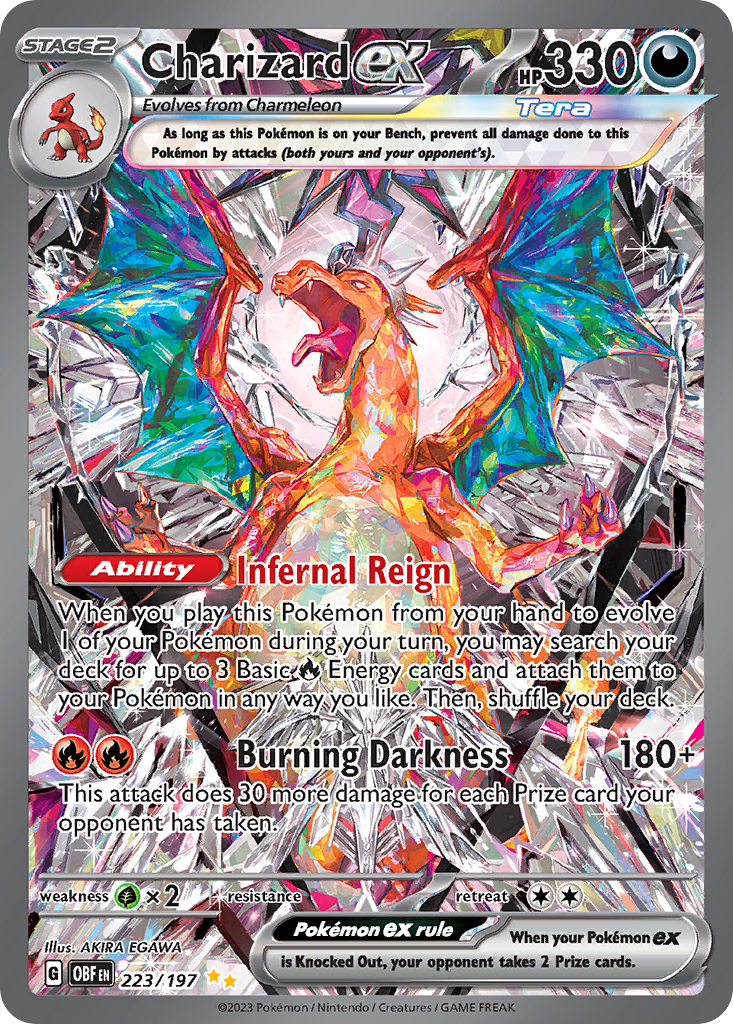
Charizard ex
Special Illustration Rare · EN
Use as a cross-source benchmark: movement matters more when TCGplayer, Cardmarket, and eBay agree.
Marketplace price check
Checking saved data



Next step: Confirm the card version and condition before comparing prices.
Catalog source: Pokemon TCG API card record - Reviewed 2026-07-09
Compare the work after initial setup
A spreadsheet can be quick to start but expensive to keep accurate. Every new set, duplicated card, condition change, and price-source update becomes another manual row or formula. An app takes longer to evaluate, but catalog matching and collection actions reduce that repeated work.
Test both tools with the same twenty cards. Include two cards with the same name from different sets, a reverse holo, a duplicate, and a graded card. The better system is the one that still makes those distinctions obvious a month later.
Check portability and ownership of the data
Spreadsheets are transparent and easy to duplicate, but attached images, vendor IDs, and historical prices often live elsewhere. A collection app should offer export, stable card records, and clear account controls. Avoid any tracker that makes entry easy while making your own inventory difficult to retrieve.
For a larger collection, search speed and error correction matter as much as entry speed. Make sure you can find a card by set and number, edit the condition, merge accidental duplicates, and separate owned cards from future targets.
Common mistakes
- Choosing a tool from screenshots without testing a real import or entry session.
- Tracking value without saving the source and observation date.
- Assuming all cards with the same name are interchangeable.
- Ignoring export until after hundreds of cards are entered.
- Keeping the spreadsheet and app active without deciding which one is authoritative.
How this fits into Unbinder
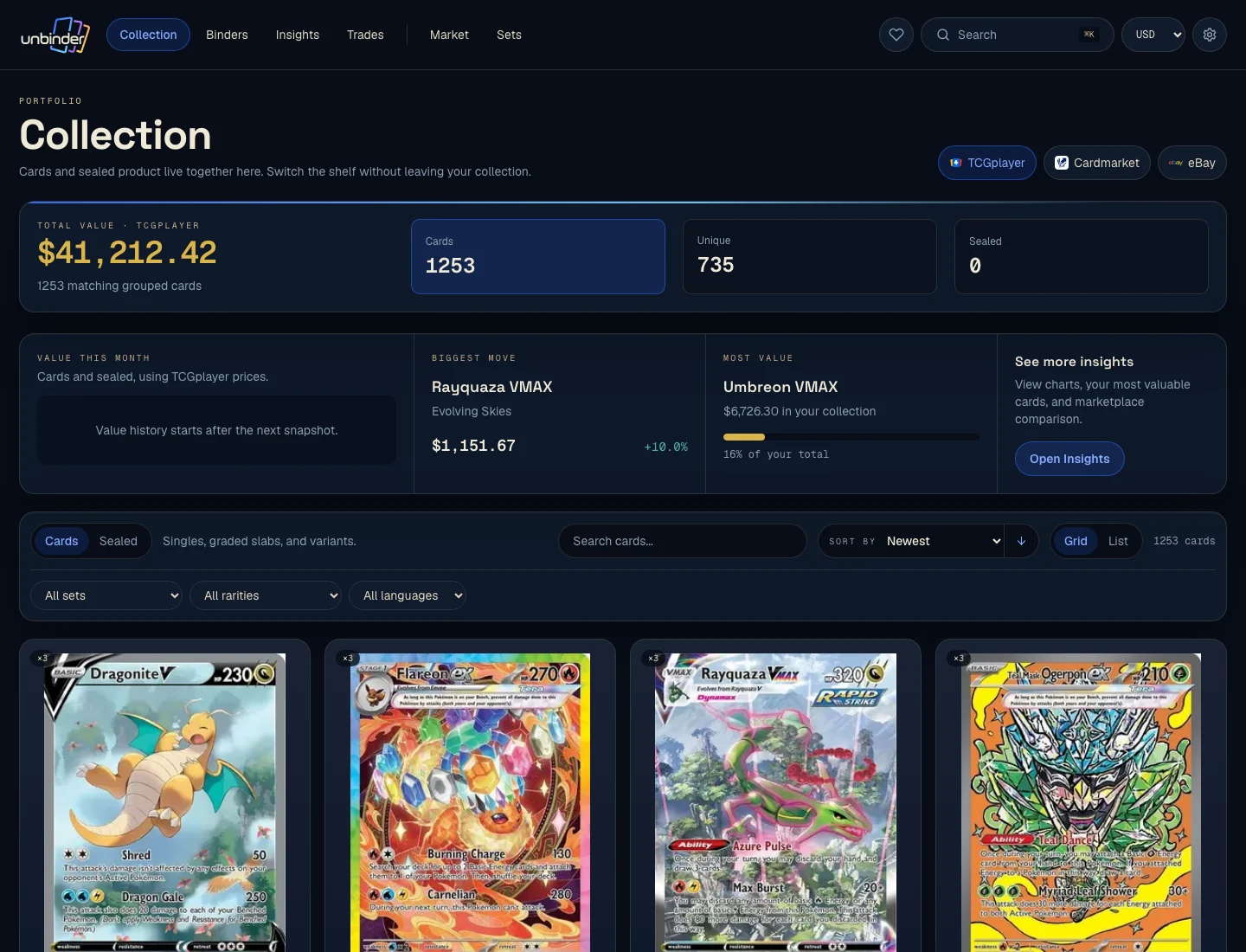
Use Unbinder as the authoritative collection when its catalog, binders, wishlist, and history match your workflow. If you keep a spreadsheet, use it for periodic export or analysis instead of entering every change twice.
Next step
Read the best app to track a Pokemon card collection for the evaluation criteria, then use how to organize Pokemon cards before importing a disorganized inventory.
Continue this workflow
Dex vs Collectr vs Unbinder: choose the right card app